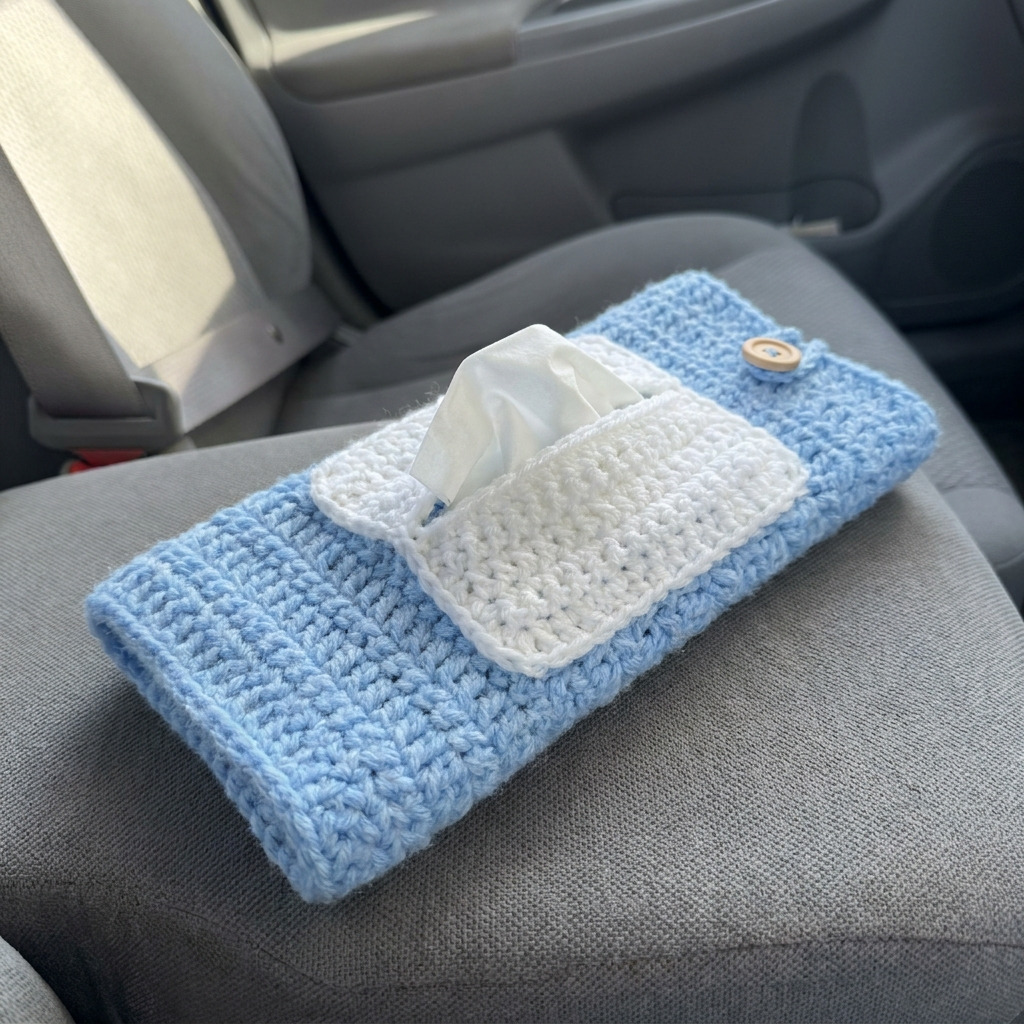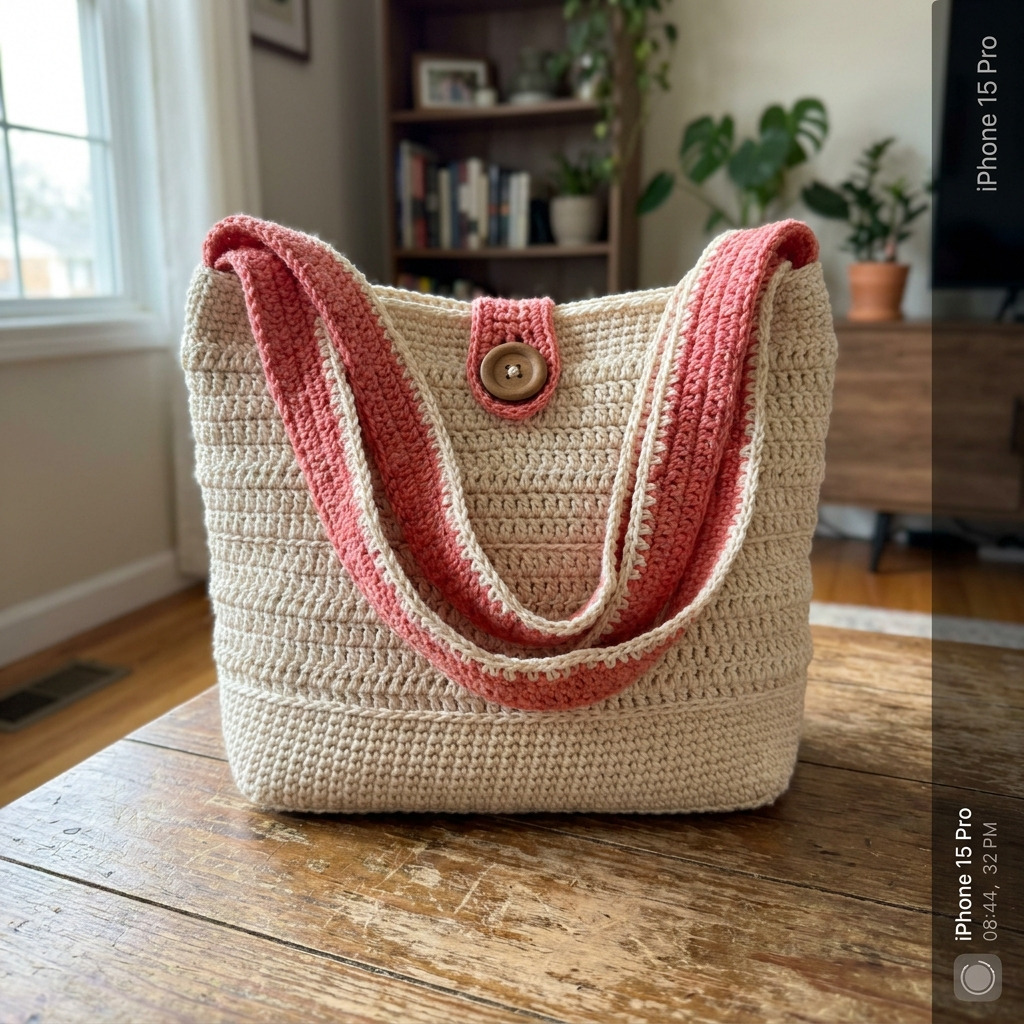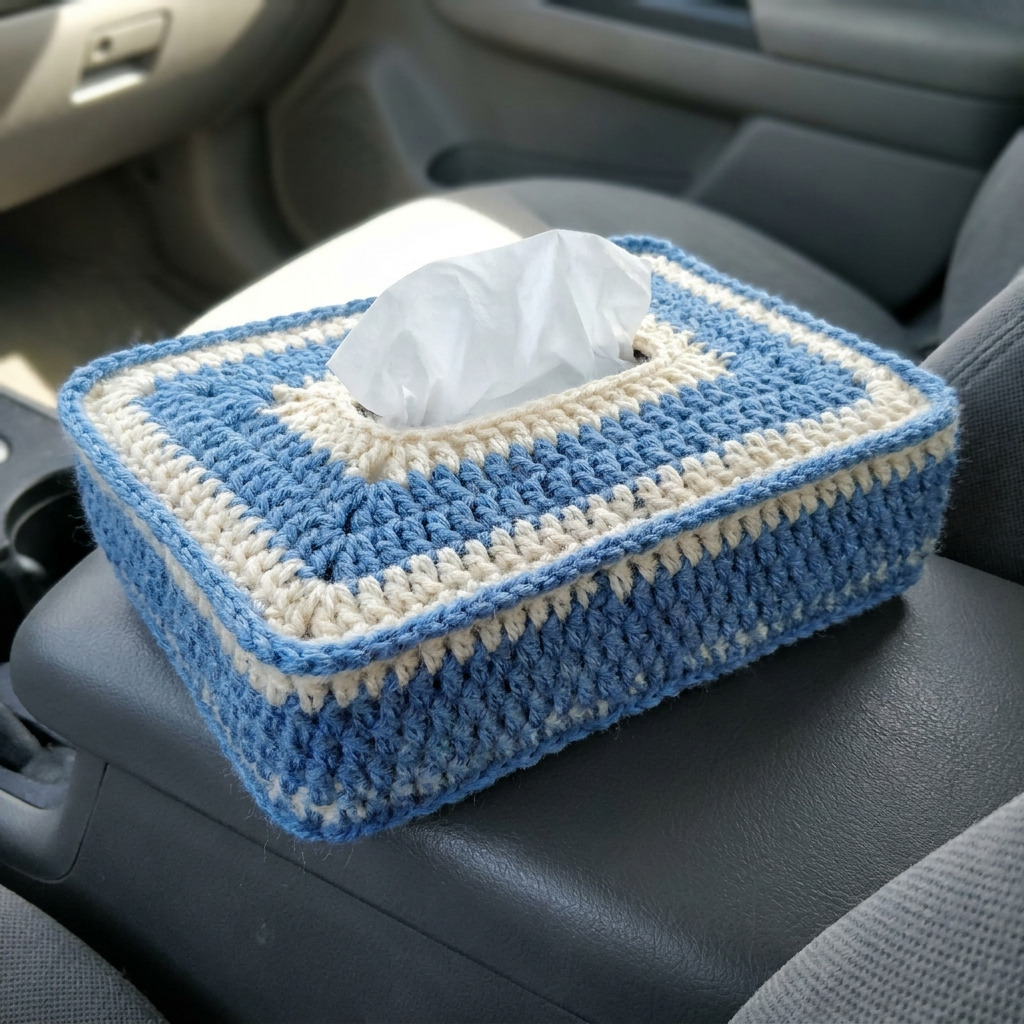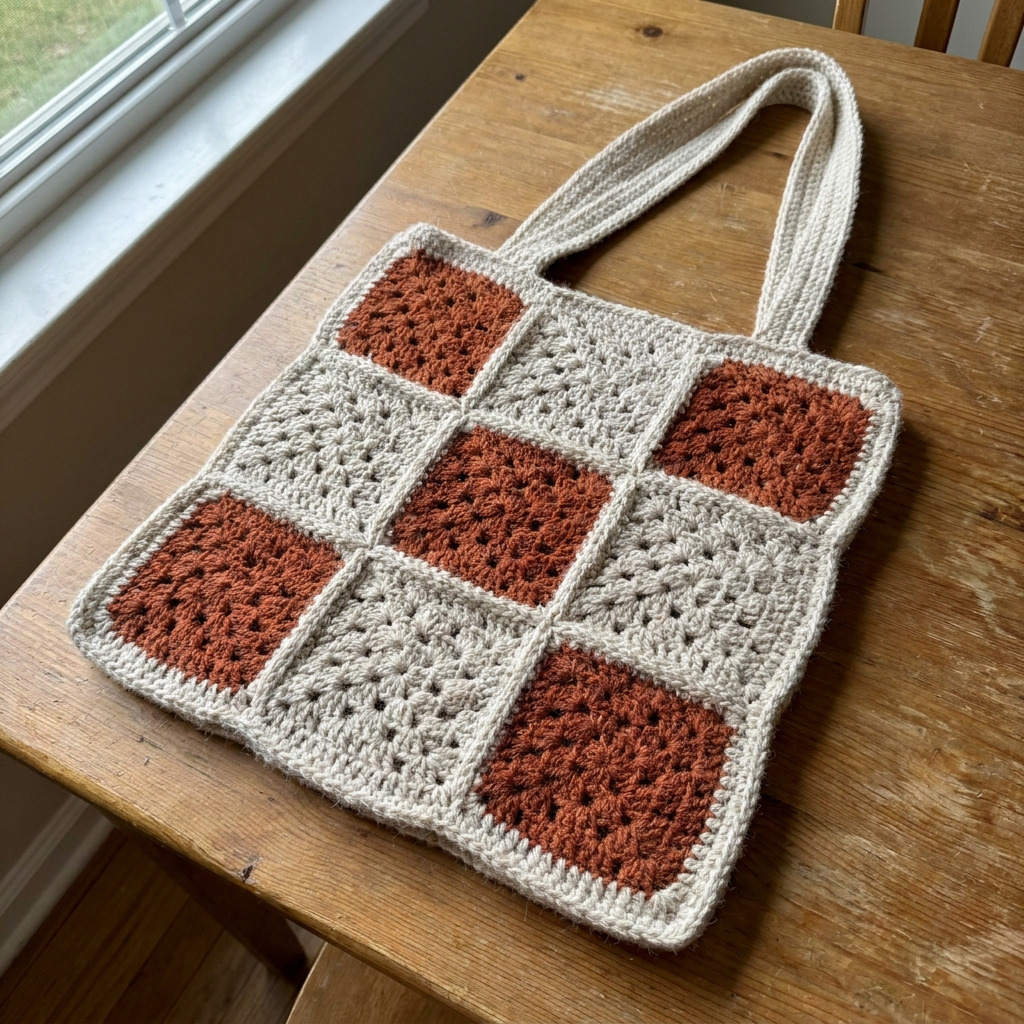
This crochet laptop sleeve with roll-out wrist rest (The Wrist Roll) is both stylish and practical. You’ll enjoy making this cozy accessory that fits snugly around your laptop and features a convenient wrist rest. The project involves basic stitches like single crochet and slip stitch, making it accessible for many skill levels.
This pattern is perfect for anyone looking to enhance their crochet skills while creating a functional piece that helps you work more comfortably. Whether for yourself or as a thoughtful gift, you’ll find joy in making and using this sleeve.
Why You’ll Love This Laptop Sleeve
- Functional design – the integrated wrist rest enhances comfort while using your laptop.
- Easy to customize – choose your favorite colors for a personalized look.
- Quick to crochet – complete the sleeve in just a few hours.
- Perfect gift – a thoughtful and useful present for friends or family.
Skill Level: Easy
This pattern is suitable for those who are familiar with single crochet and slip stitches. You’ll get to practice changing colors and sewing pieces together. With a bit of practice, you’ll feel confident in your crochet abilities!
Crochet Abbreviations (US Terms)
- ch – chain
- sc – single crochet
- sl st – slip stitch
- sc2tog – single crochet two together (decrease)
Gauge and Finished Size
- Gauge: 12 sc and 14 rows = 10 cm (4 in).
- Finished size:
- Laptop sleeve: 38 × 28 cm (15 × 11 in)
- Wrist rest: 38 × 10 cm (15 × 4 in)
Step 1: Crochet the Laptop Sleeve
The laptop sleeve is worked in rows first, then assembled with a button flap.
-
Foundation Row: Ch 38 (this includes turning chain).
- (Starting with Navy Blue)
-
Row 1: Sc in the second ch from the hook and in each ch across. Turn. (37 sc)
-
Rows 2–30: Ch 1, sc in each st across. Turn. (37 sc each row)
- Change to Light Gray in the last stitch of Row 30 (this forms the top border).
-
Row 31: Ch 1, sc in each st across. Turn. (37 sc)
-
Row 32: Repeat Row 31 using Navy Blue. (37 sc)
-
Row 33: Ch 1, sc in each st across. Do not turn, continue to create the button flap. (37 sc)
-
Row 34: Ch 1, sc in 12, ch 1, skip 1, sc in remaining stitches. Turn. (36 sc, 1 ch)
-
Row 35: Ch 1, sc in 12, sc in ch-1 space, sc in 23 remaining stitches. Turn. (37 sc)
-
Row 36: Ch 1, sc in each st across. Turn. (37 sc)
-
Row 37: Sl st in each st to join. (37 st)
- Fasten off and leave a long tail for sewing.
Step 2: Crochet the Wrist Rest
The wrist rest is a shorter piece that rolls out from the sleeve.
-
Foundation Row: Ch 36.
- (Starting with Navy Blue)
-
Row 1: Sc in the second ch from the hook and in each ch across. Turn. (35 sc)
-
Rows 2–4: Ch 1, sc in each st across. Turn. (35 sc each row)
- Change to Light Gray in the last stitch of Row 4.
-
Rows 5–8: Repeat Rows 2–4 using Light Gray. (35 sc each row)
-
Row 9: Ch 1, sc in each st across. Turn. (35 sc)
-
Row 10: Sl st in each st to join. (35 st)
- Fasten off and leave a long tail for sewing.
Assembly & Finishing
-
Wrist Rest Attachment: Sew the wrist rest to the inside bottom of the laptop sleeve using the long tail from both pieces. Ensure the wrist rest rolls out freely.
-
Button Closure: Sew the button at the top center of the sleeve. Create a buttonhole at the flap by chaining 2 over the button and placing it opposite.
-
Final Touches: Weave in any loose ends. If using a fabric lining, place it inside the sleeve and sew along the top edge for a neat finish.
Beginner Tips for a Neat Laptop Sleeve
- Use a stitch marker to mark the beginning of each row.
- Keep count of your stitches by tallying as you go.
- Adjust your tension consistently for even stitches.
Common Mistakes (and How to Fix Them)
- “My piece is too small.” – This may be due to a missed stitch. Check your row counts.
- “The stitches are uneven.” – This can happen from inconsistent tension. Practice maintaining the same pressure on your yarn.
- “The buttonhole is too tight.” – You might have chained too few. Adjust your chains to suit your button size.
How to Care for Your Laptop Sleeve
Hand wash in cold water and lay flat to dry. This will keep your piece looking fresh and prevent it from losing its shape.
FAQ
How do I resize the pattern?
To resize, simply adjust the foundation chain length and follow the stitch counts for the modified size. Keep the same gauge in mind for a fitted look.
Can I use a different yarn weight?
You can experiment with different yarn weights, but be mindful to adjust your hook size and gauge to ensure the sleeve fits properly.
How long will this project take to complete?
The estimated working time for the laptop sleeve is about 3–4 hours, while the wrist rest takes around 1–2 hours. Total time for the project is approximately 4–6 hours.
Looking for more? Check out our complete collection of free crochet patterns.
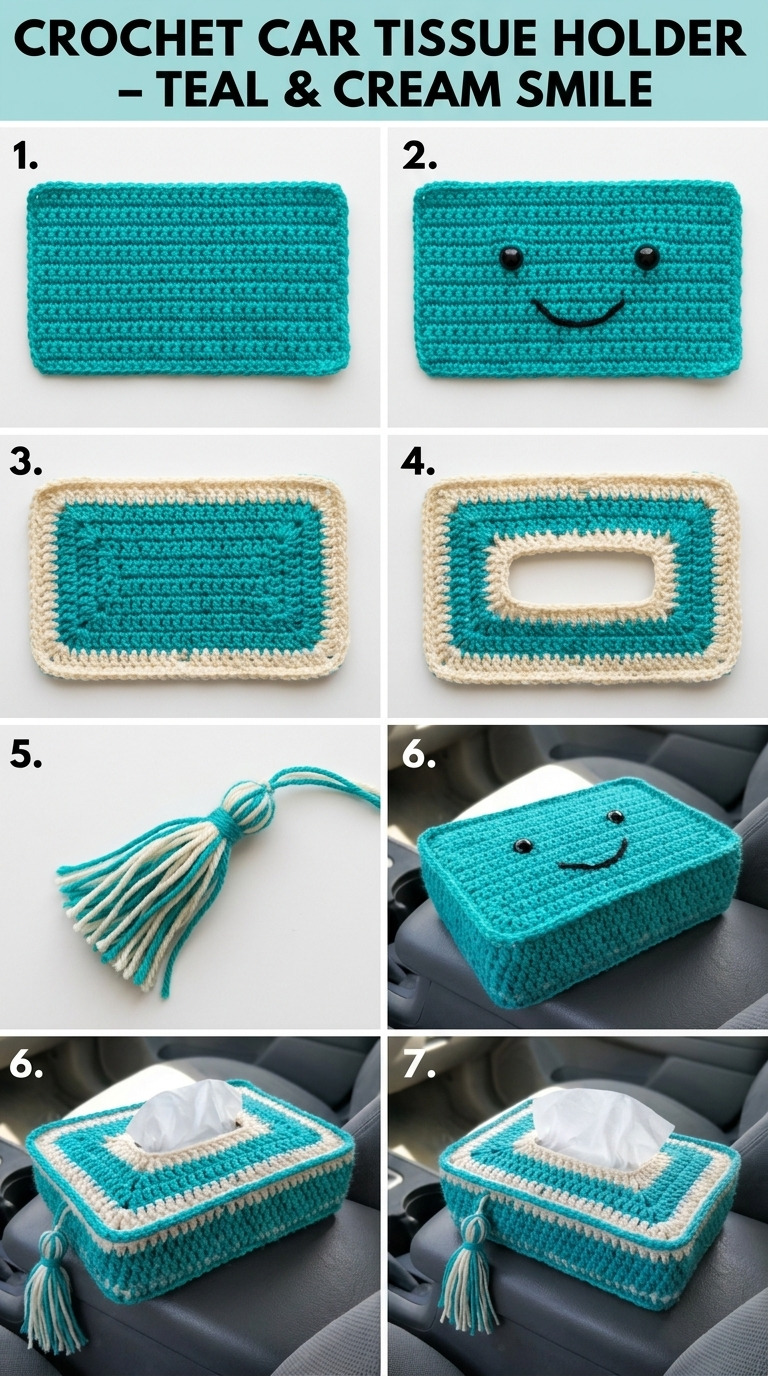
Image shown for inspiration — your finished result may vary slightly.